Access Level
With Amplify Gen 2, S3 access is declared by path in defineStorage. For each path, you specify who can access it and which actions are allowed:
allow.guest: users who have not signed in.allow.authenticated: every signed-in user.allow.entity('identity'): only the owner, for a path that contains{entity_id}, which is the user’s Identity ID.- Actions:
read(read and list files),write(upload files),delete(delete files).
The familiar public, protected and private access levels can be declared as follows:
| Level | Path | Permissions |
|---|---|---|
| Public | public/* | Guests read, signed-in users read, write and delete |
| Protected | protected/{entity_id}/* | Signed-in users read, only the owner writes and deletes |
| Private | private/{entity_id}/* | Only the owner reads, writes and deletes |
Our application uses the protected level. Based on this declaration, Amplify creates an IAM policy and attaches it to the Authenticated role of the Cognito Identity Pool. In this section, we will look at that policy, then change the user’s permissions to see how it affects uploading files to S3.
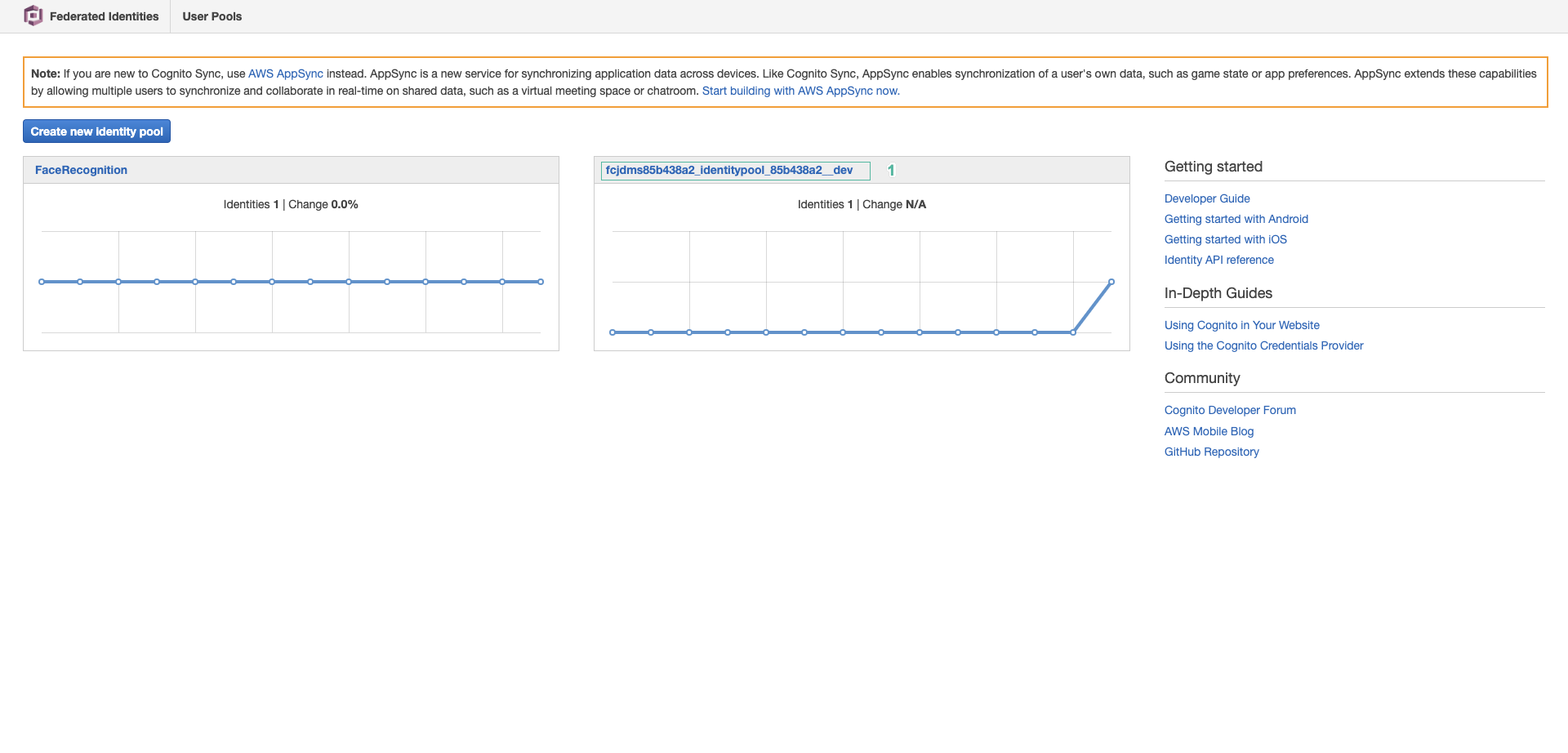
Go to the Cognito console
Select Identity pools in the left menu. Then select the identity pool whose name starts with amplifyAuthIdentityPool…
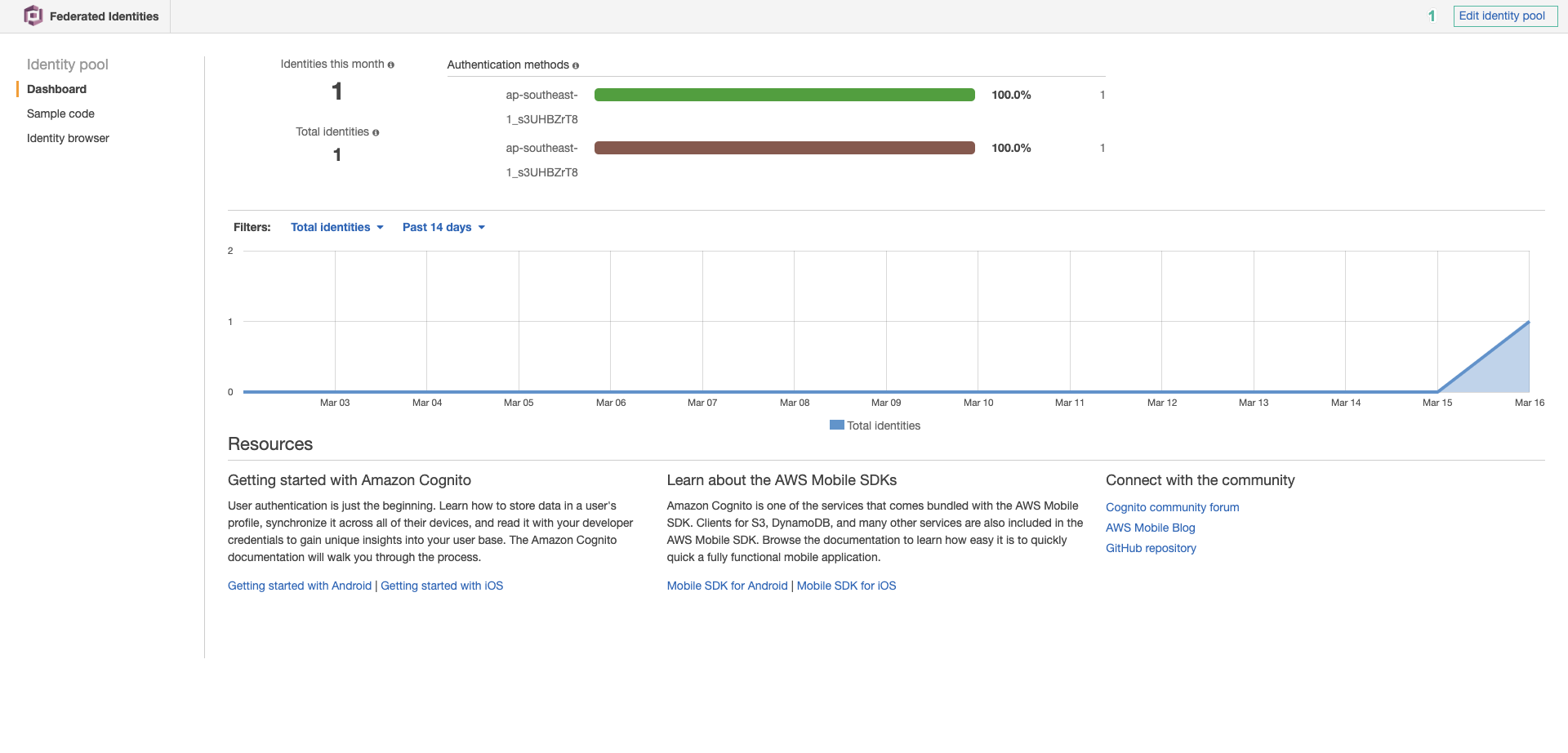
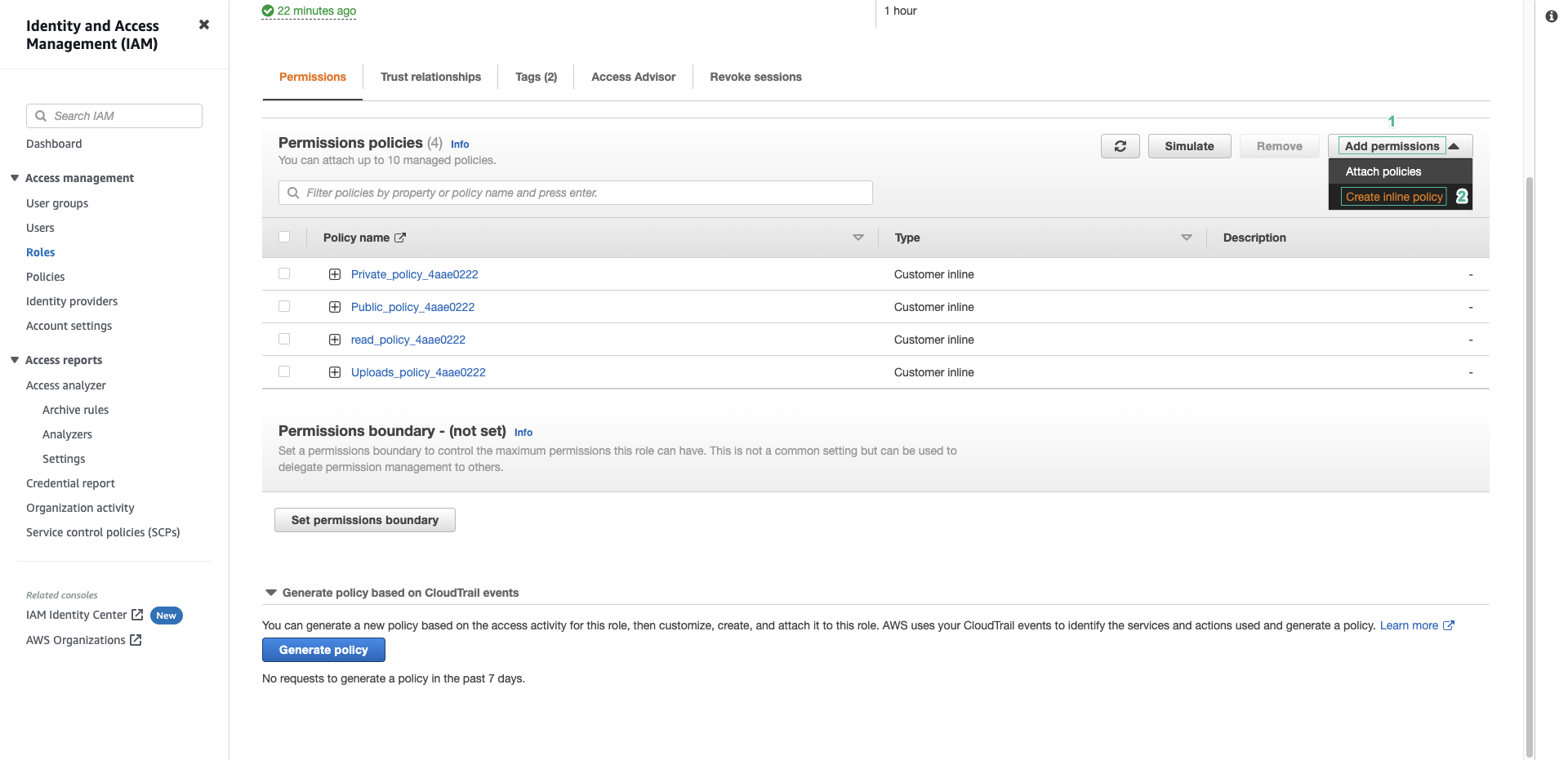
- Select the User access tab. Click Authenticated role in the Authenticated access section to go to that role.
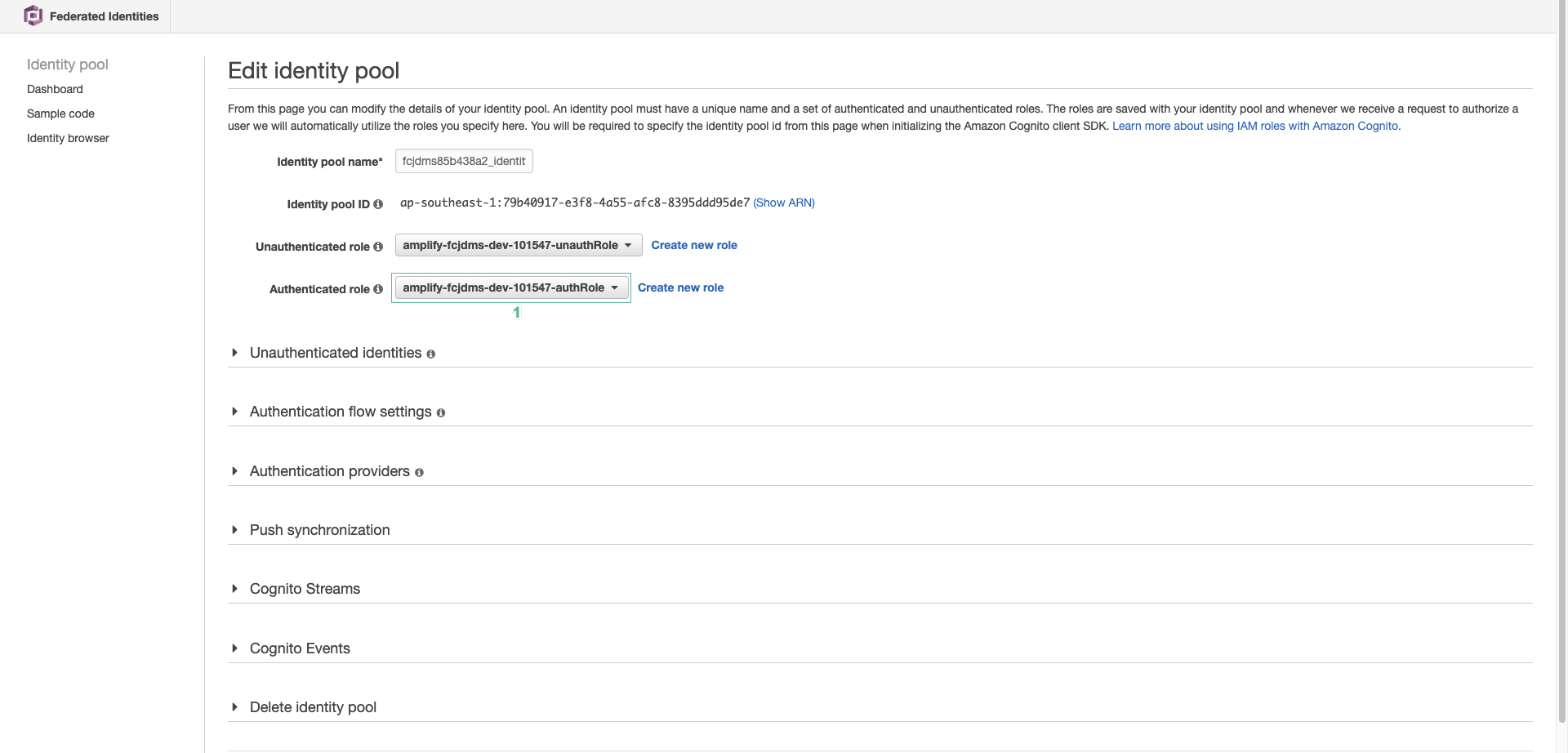
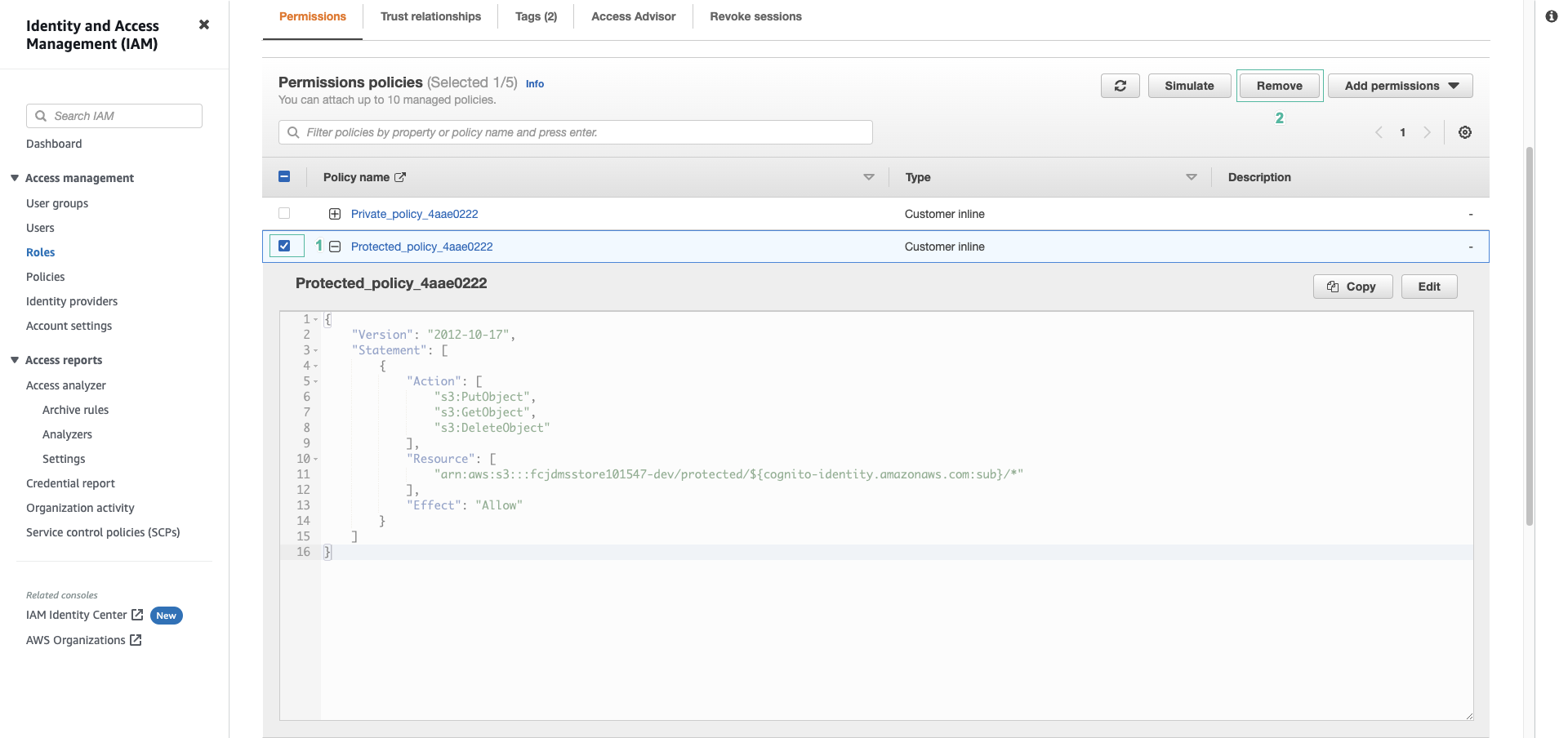
- Expand the policy whose name contains amplifyfcajdms… to see the user’s permissions
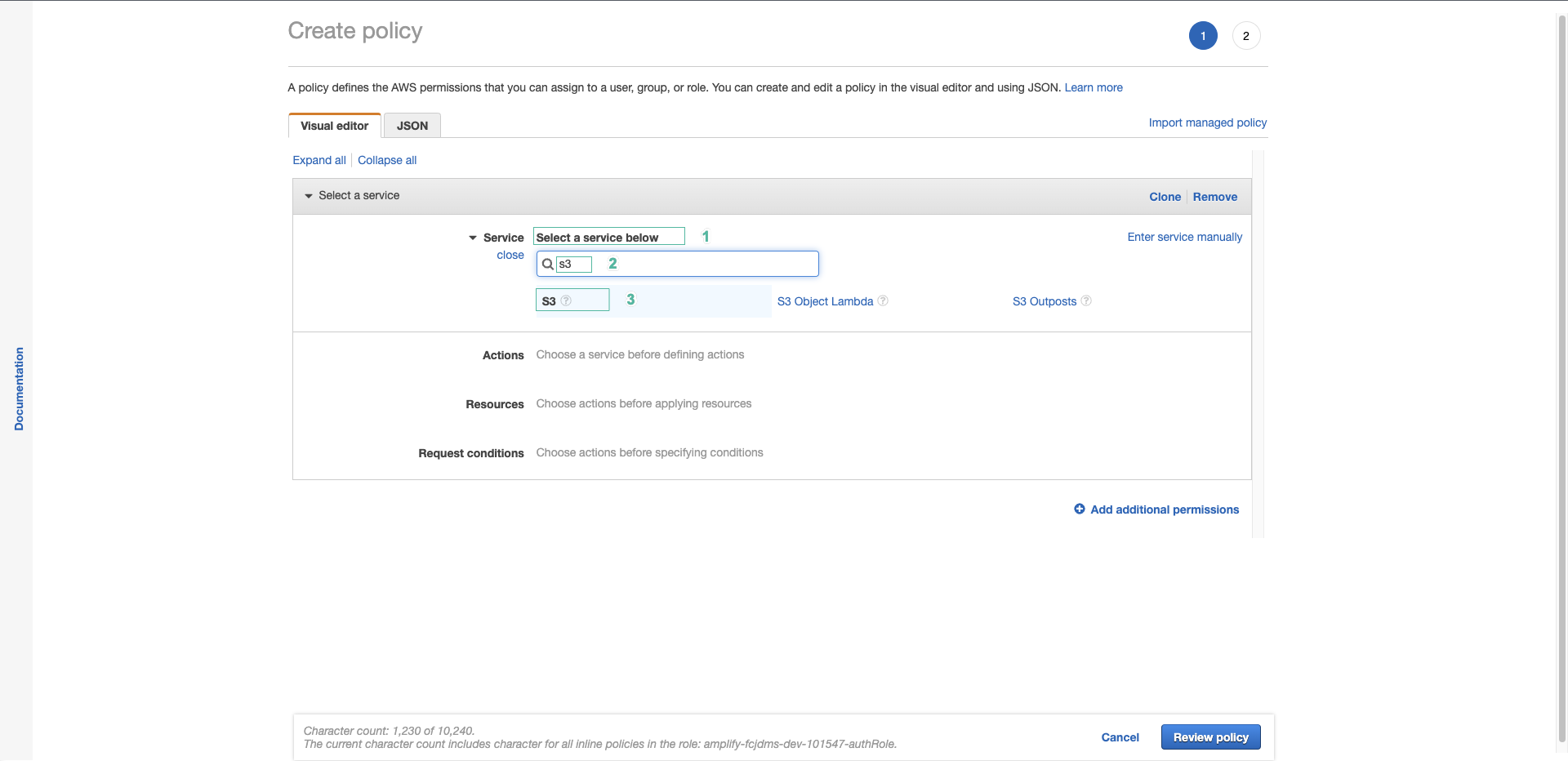
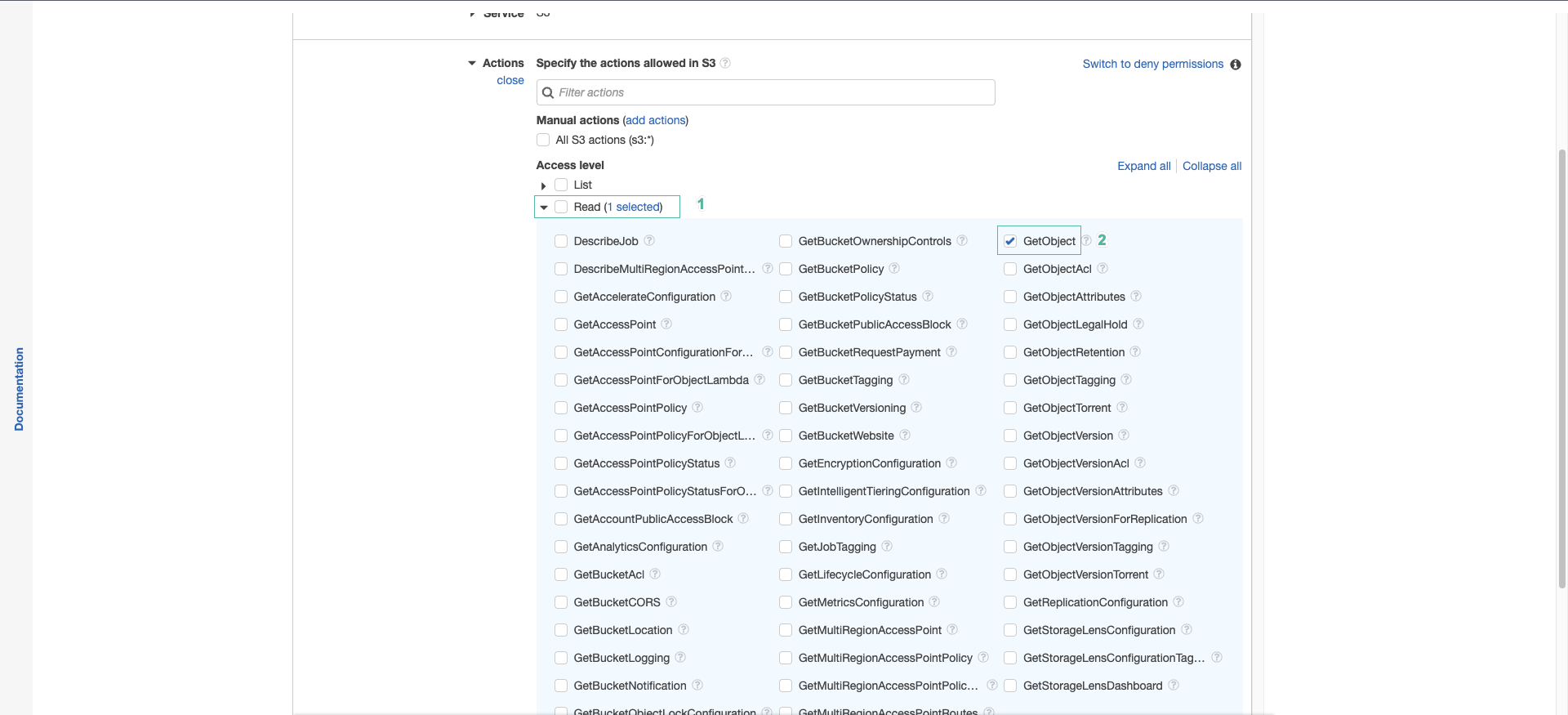
You can see the s3:GetObject permission on the protected/* folder, and the s3:PutObject, s3:DeleteObject permissions on the protected/${cognito-identity.amazonaws.com:sub}/* folder, which is the folder named after the user’s Identity ID. This policy is managed by Amplify. You should not edit it directly in IAM because the sandbox overwrites it when it redeploys.
- Go back to the project and open the amplify/storage/resource.ts file. Remove the write permission of the owner, then save the file:
allow.entity('identity').to(['read', 'delete']),

We remove the write permission of the protected level because the application uses that level.
- Wait until the sandbox terminal shows Deployment completed.
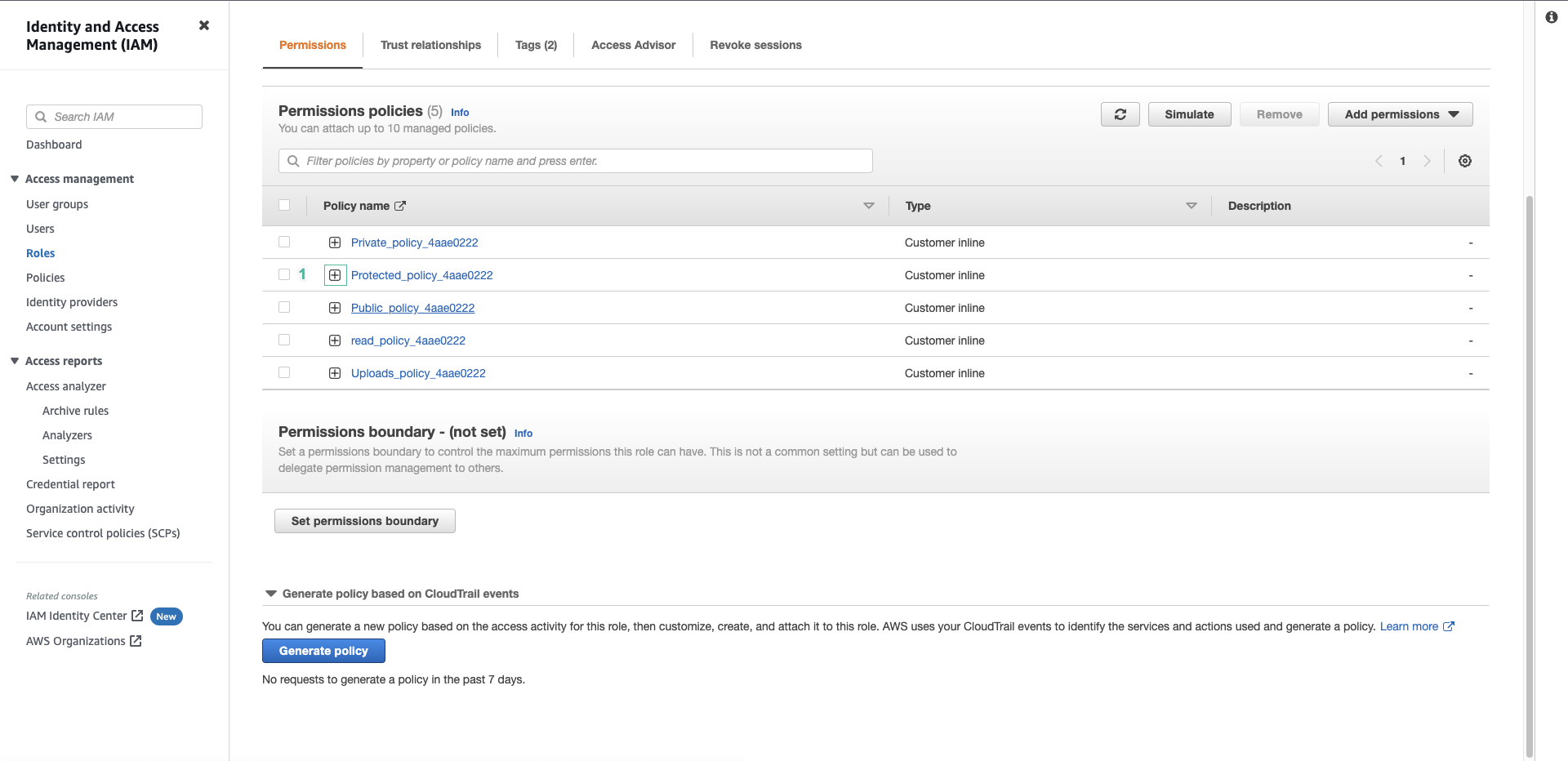
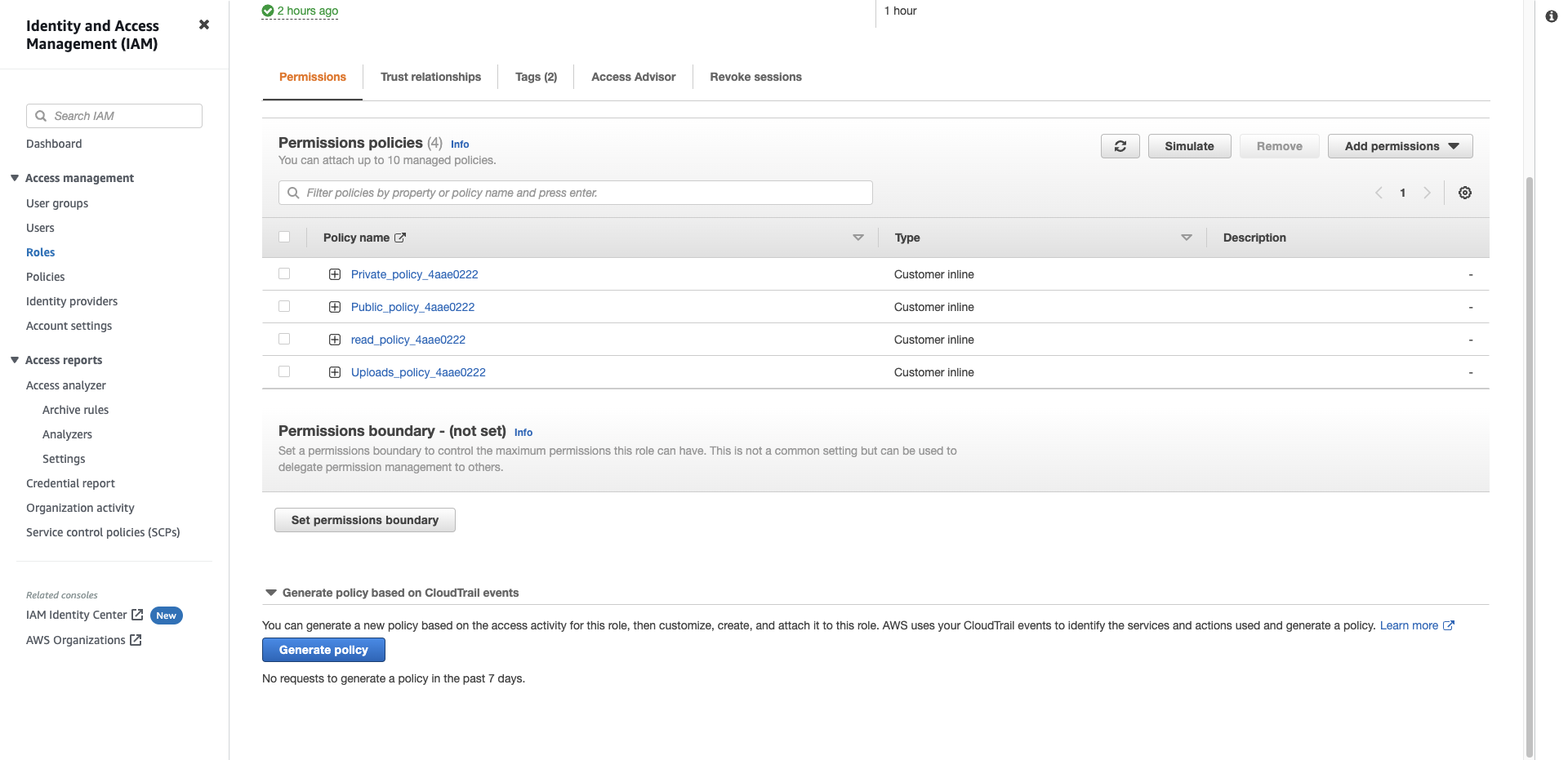
- Go back to IAM, reload the role page and expand the amplifyfcajdms… policy. You will see that the s3:PutObject permission has been removed.
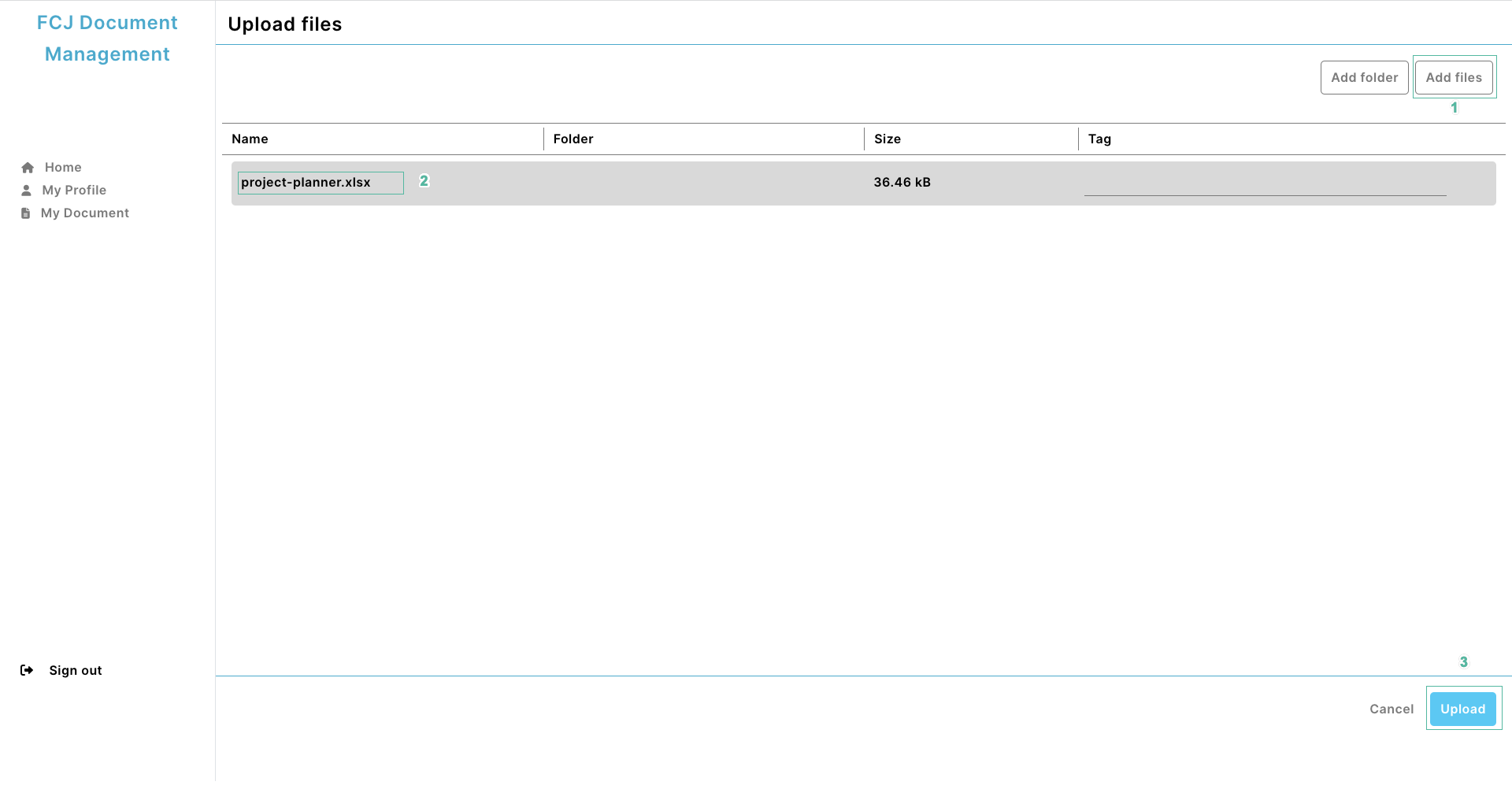
- Go back to the application, click Upload, click Add files and select the file you want to upload. Then click Upload
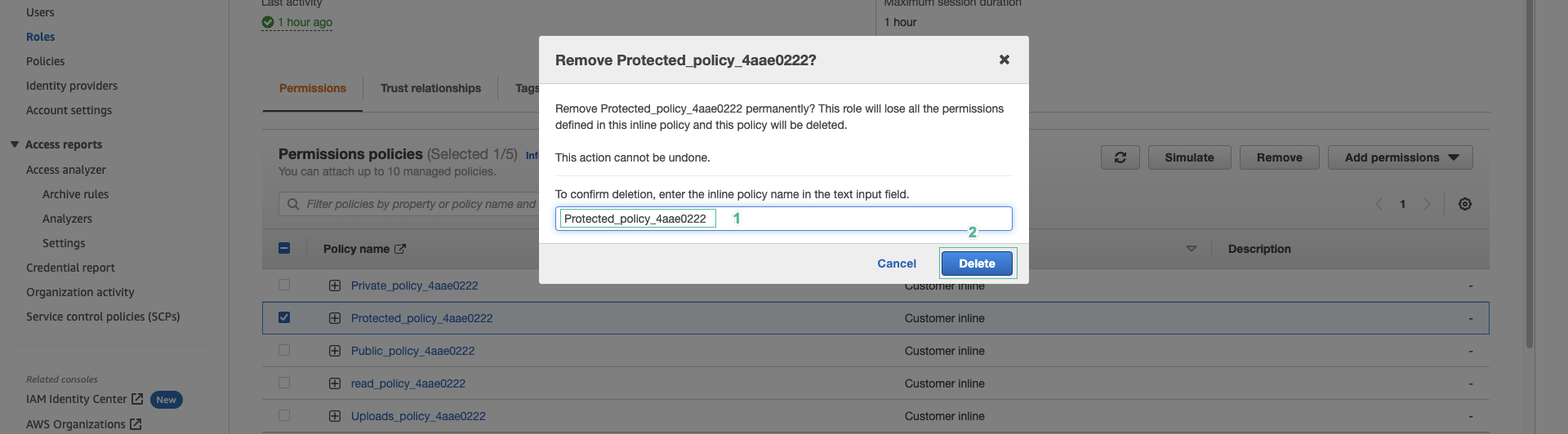
- The application shows the Error occurred while uploading the documents message. Check the error in Inspect | Console. We received an AccessDenied error because the user does not have the s3:PutObject permission.
- Add the permission back to the user. Open the amplify/storage/resource.ts file, add the write permission back, then save the file:
allow.entity('identity').to(['read', 'write', 'delete']),

- Wait until the sandbox finishes redeploying. Go back to IAM, reload the role page and check that the s3:PutObject permission has been added back.
- Go back to the web application and upload the file that just failed again
- Click Add files, select the file you want to upload
- Click Upload
- Open the S3 bucket console to check if the file has been uploaded successfully.
We have learned about the protected access level. If you want to add other access levels such as public or private, you can declare the corresponding paths in defineStorage as shown in the table at the top of this page.